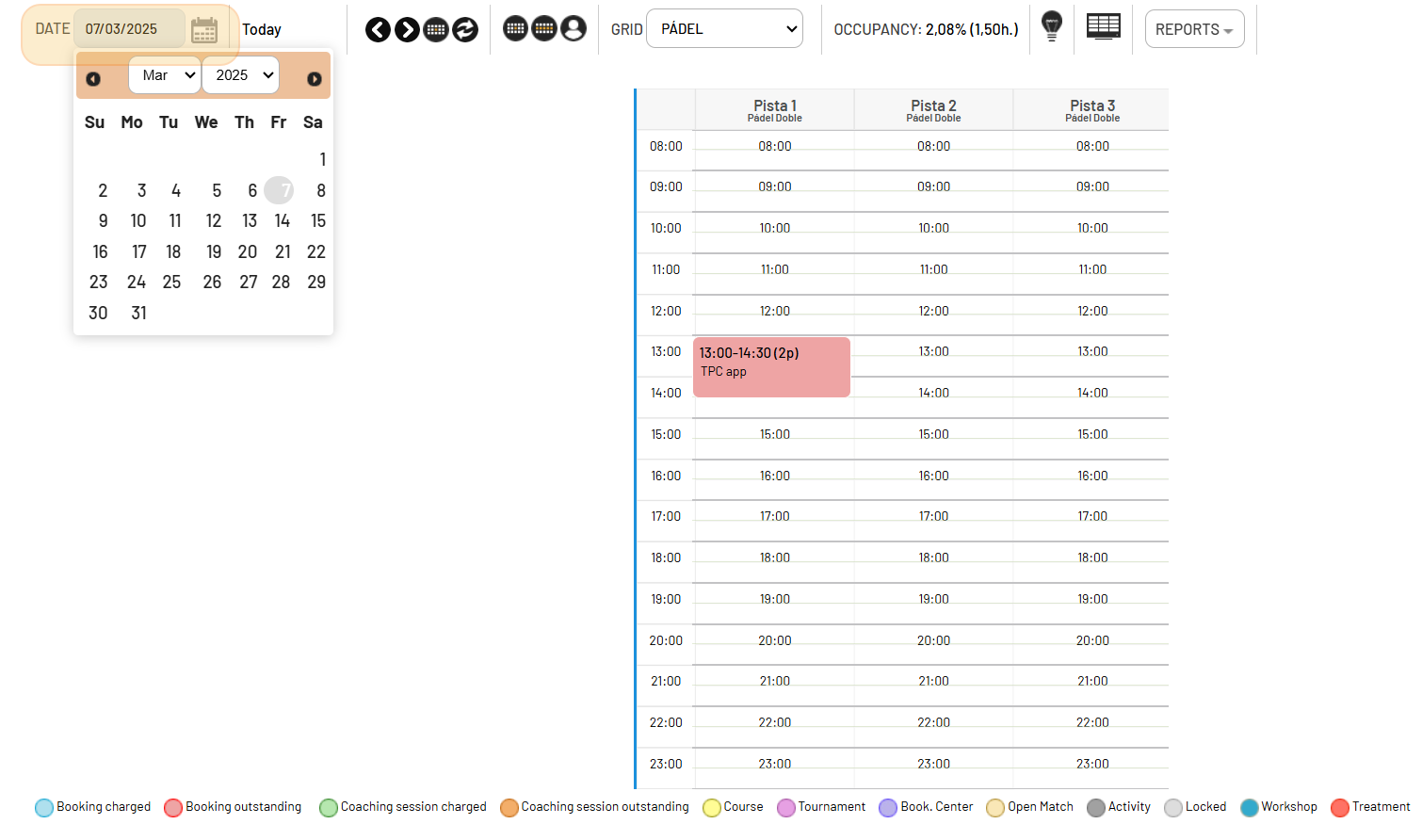
In this lesson you will learn how to explore your Booking Grid, which allows you to view and manage the day's bookings. This is a key first step to mastering the software!
I. What is the Booking Grid
It's where you can see all the bookings scheduled for the current day.
It allows you to view bookings for other days by selecting a specific date.
You can check the Booking grid selecting it from Planning > Occupancy> Click on the name of your booking grid .
You can have more then one ( 🔎 example: one for indoor courts and another one for your Outdoor ones).
Even more quickly, click on this icon  in your Quick access Icons Bar.
II. How it works
- View bookings: Hover your mouse over a booking to see quick details or click on it to access more information.
- Navigate between dates: Switch between dates by selecting a different date on the integrated calendar.